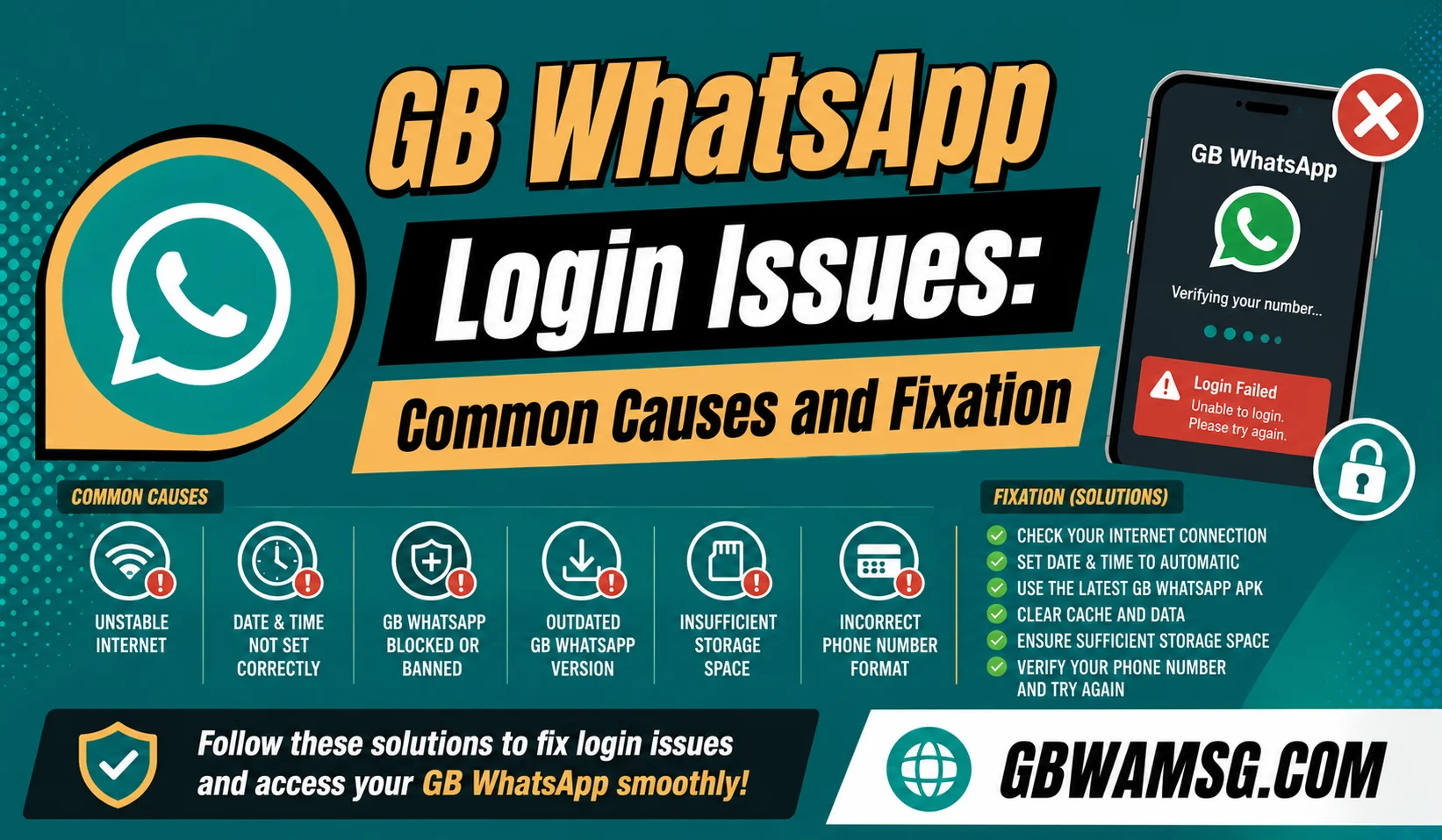
Getting stuck at the login or verification screen is one of the most common frustrations GB WhatsApp users run into, especially right after installing a new version. The good news is that most login problems come down to a small handful of predictable causes. GBWAMSG.COM put together this guide to help you diagnose and fix login issues quickly.
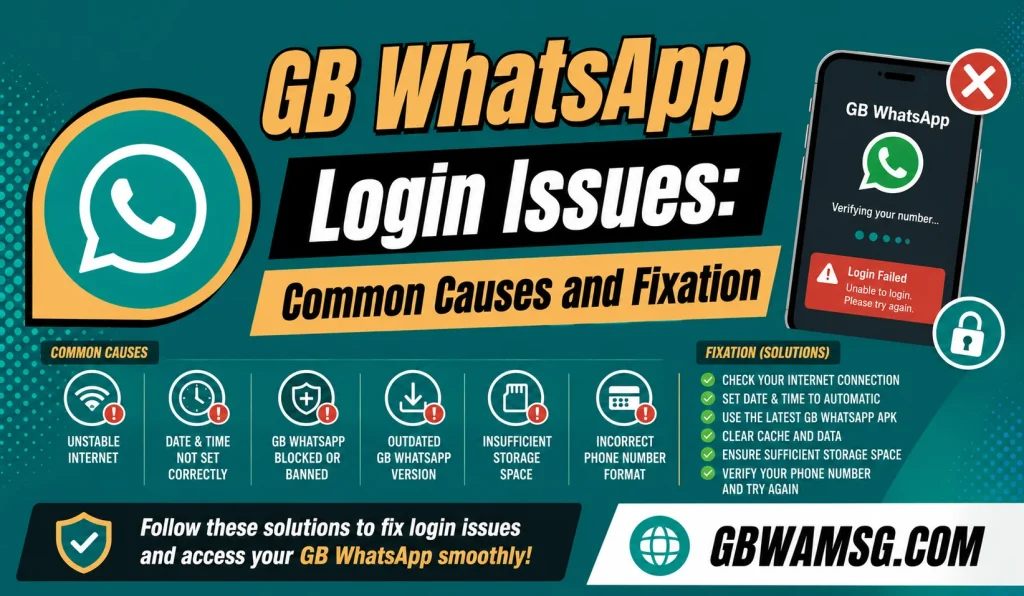
Why Login Problems Happen More Often With GB WhatsApp
Official WhatsApp benefits from Meta’s dedicated server infrastructure and consistent app updates, which minimizes login friction for most users. GB WhatsApp, being an independently maintained mod, doesn’t always keep perfect pace with changes on WhatsApp’s server side. This gap is the underlying reason login issues tend to show up more frequently with modified apps than with the official one.
Understanding this helps set realistic expectations, since occasional login hiccups aren’t necessarily a sign of a bigger problem with your phone or account. Most issues are temporary and resolve with a few straightforward troubleshooting steps. GBWAMSG.COM walks through the most common causes below.
Verification Code Not Arriving
This is one of the most frequently reported login issues, where the SMS verification code simply never shows up. Before assuming something is broken, check these common culprits first:
- Confirm the phone number was entered correctly, including the full country code
- Check that your phone has a stable signal or internet connection for SMS or call verification
- Wait at least a few minutes before requesting a new code, since delays are common
- Try the “call me” verification option if SMS repeatedly fails
- Restart your phone and attempt verification again
Working through this list resolves the majority of missing code issues without needing anything more advanced. If the code still doesn’t arrive after several attempts, waiting a longer period before trying again is usually the next step.
“This Number Is Already Registered” Errors
This error typically appears when the number you’re trying to verify is still actively linked to another WhatsApp or GB WhatsApp installation elsewhere. WhatsApp’s systems need a brief window to fully release a number before it can be re-registered on a new device or app. Here’s how to resolve this:
| Situation | Recommended Fix |
|---|---|
| Number active on another phone | Log out of WhatsApp on that device first |
| Recently switched apps on same phone | Wait a short period before re-verifying |
| Number recently ported or changed | Allow extra time for carrier changes to fully process |
Patience is often the simplest fix here, since forcing repeated verification attempts in quick succession can sometimes make the issue take even longer to resolve. Waiting a short cooldown period before trying again typically clears this error completely.
Login Screen Freezing or Crashing
If the app freezes or crashes specifically during the login process, this usually points to either an outdated app version or a temporary glitch in the app’s cache. Try closing the app completely and reopening it before attempting login again. If the freeze continues, clearing the app’s cache through your phone’s settings menu often resolves the issue without requiring a full reinstall.
Should the problem persist even after these steps, checking for a newer GB WhatsApp version and updating before trying again is the next logical step. GBWAMSG.COM recommends always keeping the app updated specifically because login-related bugs are often addressed in newer releases.
Login Works But Chats Don’t Restore
Sometimes login itself succeeds, but your previous chat history fails to appear afterward. This typically happens when the app can’t locate an existing backup file in the expected storage location. Check that your backup file wasn’t accidentally moved, deleted, or stored somewhere the app doesn’t automatically search.
If you can locate the backup file manually, moving it back to the correct folder often triggers the app to detect and offer a restore option upon the next login attempt. GBWAMSG.COM recommends always confirming backups are stored properly before assuming your chat history is permanently lost, since a misplaced file is a far more common cause than actual data loss.
Account Flagged or Temporarily Restricted During Login
Occasionally, login issues aren’t technical at all but instead relate to WhatsApp’s detection systems flagging the number for using a modified app. This can show up as repeated verification failures or a message indicating temporary restriction. If this happens, waiting out the specified restriction period without repeatedly attempting to log in is the safest course of action.
Repeatedly retrying during an active restriction period can sometimes extend the length of the restriction rather than resolving it faster. GBWAMSG.COM recommends patience in this specific scenario, along with reviewing your general usage habits to reduce the chance of this happening again in the future.
When to Consider a Fresh Reinstall
If you’ve worked through the common fixes above without success, a clean reinstall is often the most reliable next step. Back up your chats if possible beforehand, then fully uninstall GB WhatsApp, restart your phone, and install the latest version fresh. This clears out any corrupted files or settings that smaller fixes couldn’t fully resolve.
Most stubborn login issues that resist basic troubleshooting steps get resolved through this more thorough reset process. GBWAMSG.COM recommends treating this as a reliable last resort rather than a first response, since it takes more time but tends to resolve deeper, harder-to-diagnose issues.
Frequently Asked Questions
GB WhatsApp relies on the same verification servers but can occasionally experience delays due to how the modified app communicates with them.
Yes, the call verification option works for numbers that can’t receive SMS messages directly.
Occasional retries are common and not necessarily a sign of a serious problem, especially during high-traffic periods.
Wait out the specified restriction period without repeated login attempts, since this is generally the fastest way to resolve it.